Download, Convert and Transcribe with Kingo
Supported Platforms
Lightweight App
& Fast.
Wails Framework
The lightweight power of Go for the backend, bridging native system webviews.
React 19
Powered by the latest React features for a modern video downloader application.
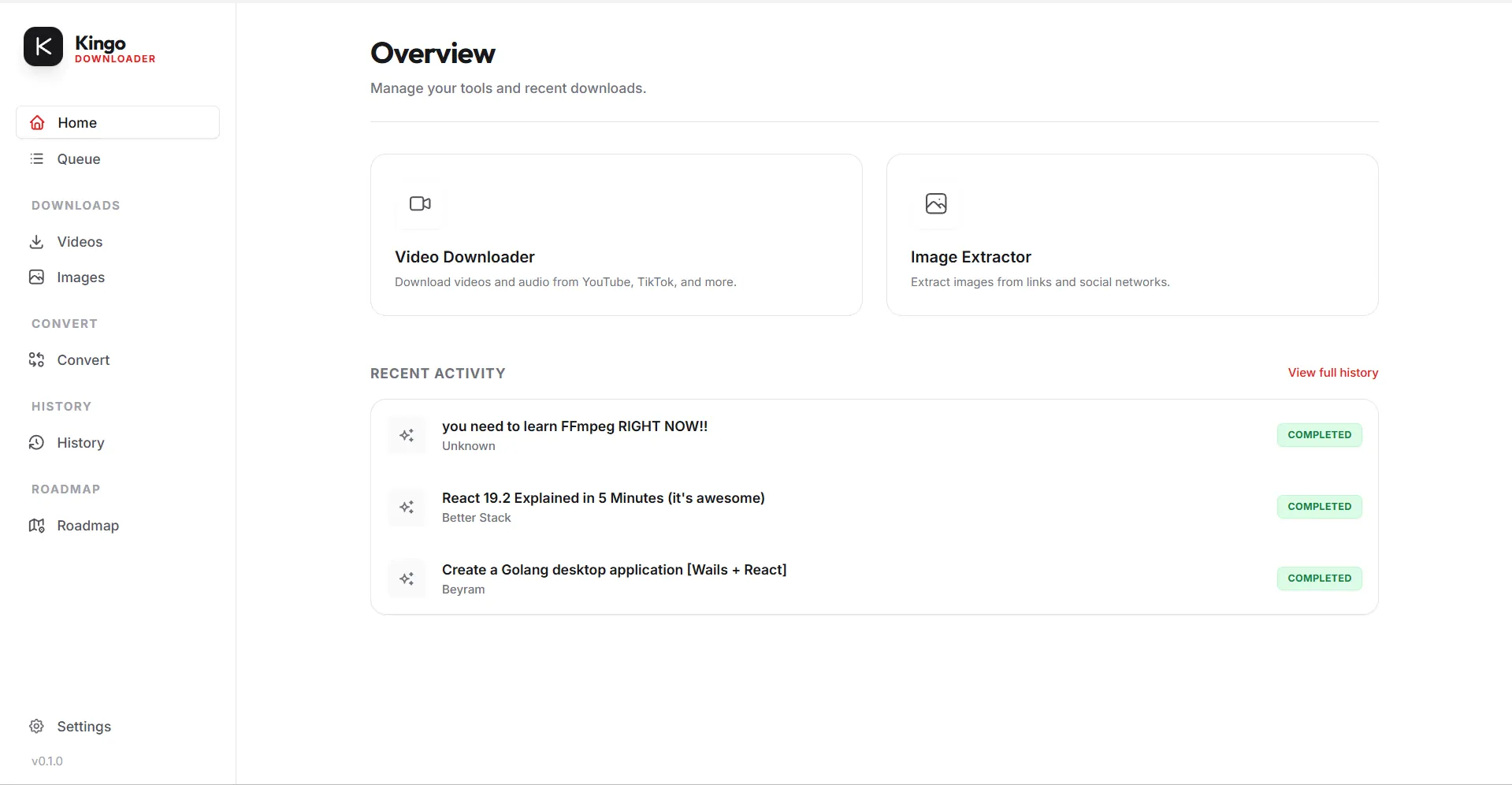
Download Any
Video.
Powered by the battle-tested yt-dlp engine, with custom wrappers for social platforms.
Multi-Format
Video (MP4, MKV) & Audio (MP3) automatically converted in high quality.
yt-dlp Engine
Native support to download videos from YouTube, TikTok, Instagram and 1000+ sites.
Audio & Video
To Text.
Convert speech to text with unmatched accuracy using OpenAI's Whisper model completely offline.
Multiple Languages
Automatically detect and transcribe audio in over 90 languages with translation to English.
Subtitle Export
Export directly to SRT, VTT, or plain text formats, ready to be used in your video projects.
[00:03.24] Yes, the new OpenAI Whisper integration is running completely offline.
[00:08.12] This changes everything for our transcribing workflow.
How to Download Videos
in 3 Simple Steps.
Copy the Link
Navigate to your favorite video on YouTube, Instagram, TikTok, or Twitter and copy the URL from the address bar or share button.
Paste in DownKingo
Open the DownKingo app. It will automatically detect the copied link from your clipboard. Select your desired format (MP4 or MP3).
Instant Download
Click "Download". DownKingo's multithread engine will extract the content at maximum speed, saving directly to your chosen folder.
Why choose DownKingo?
Millions of users rely on slow, insecure online converters full of invasive ads. We built DownKingo to give the power back to you.
Unlike web-based downloaders, DownKingo is a native application (built with Go and Wails) that leverages your hardware's full power to process videos up to 10x faster than online tools.
Plus, we support advanced features that websites simply can't offer: full YouTube playlist downloads, batch link conversion, and automatic subtitle extraction in multiple languages.
Build In
Public.
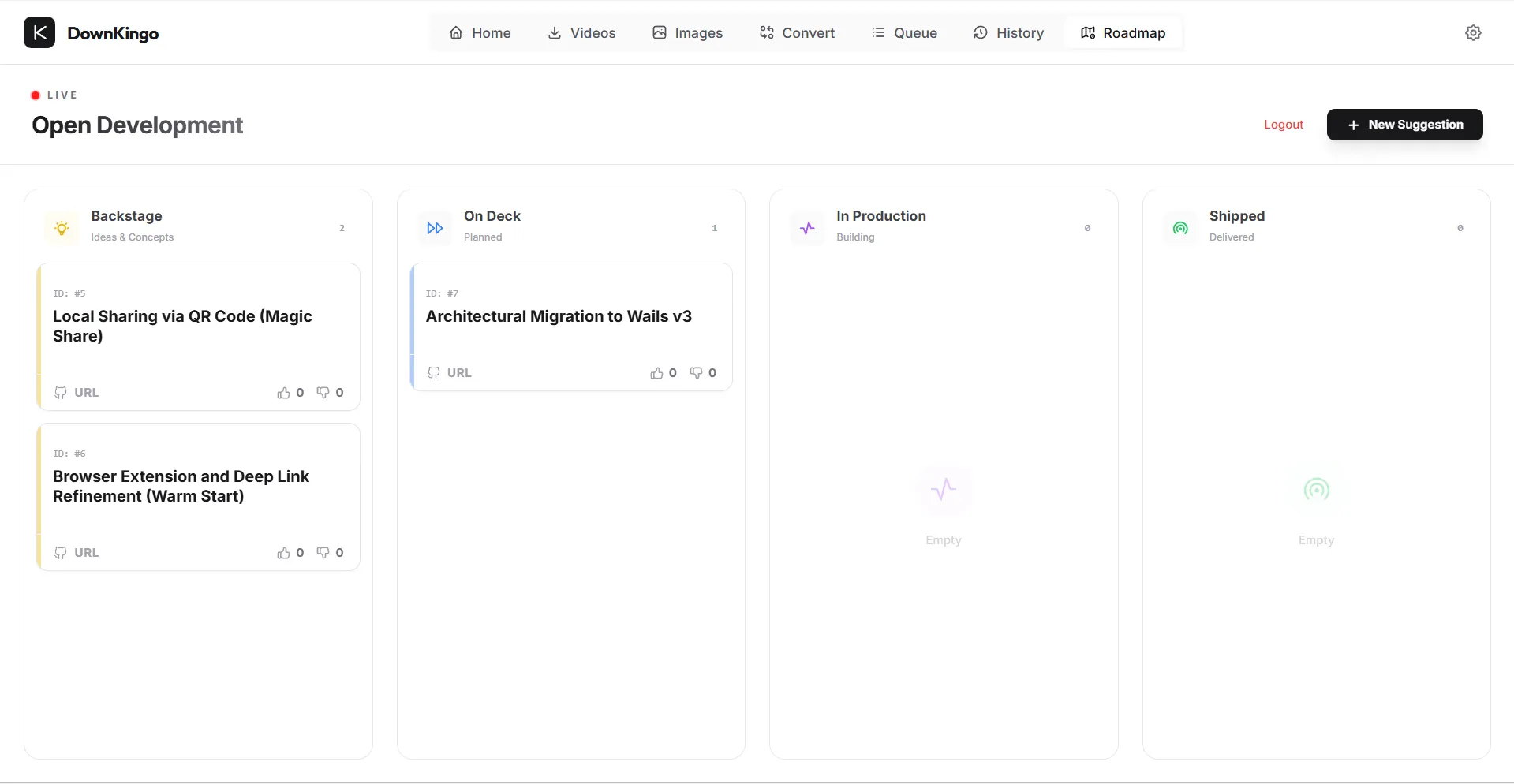
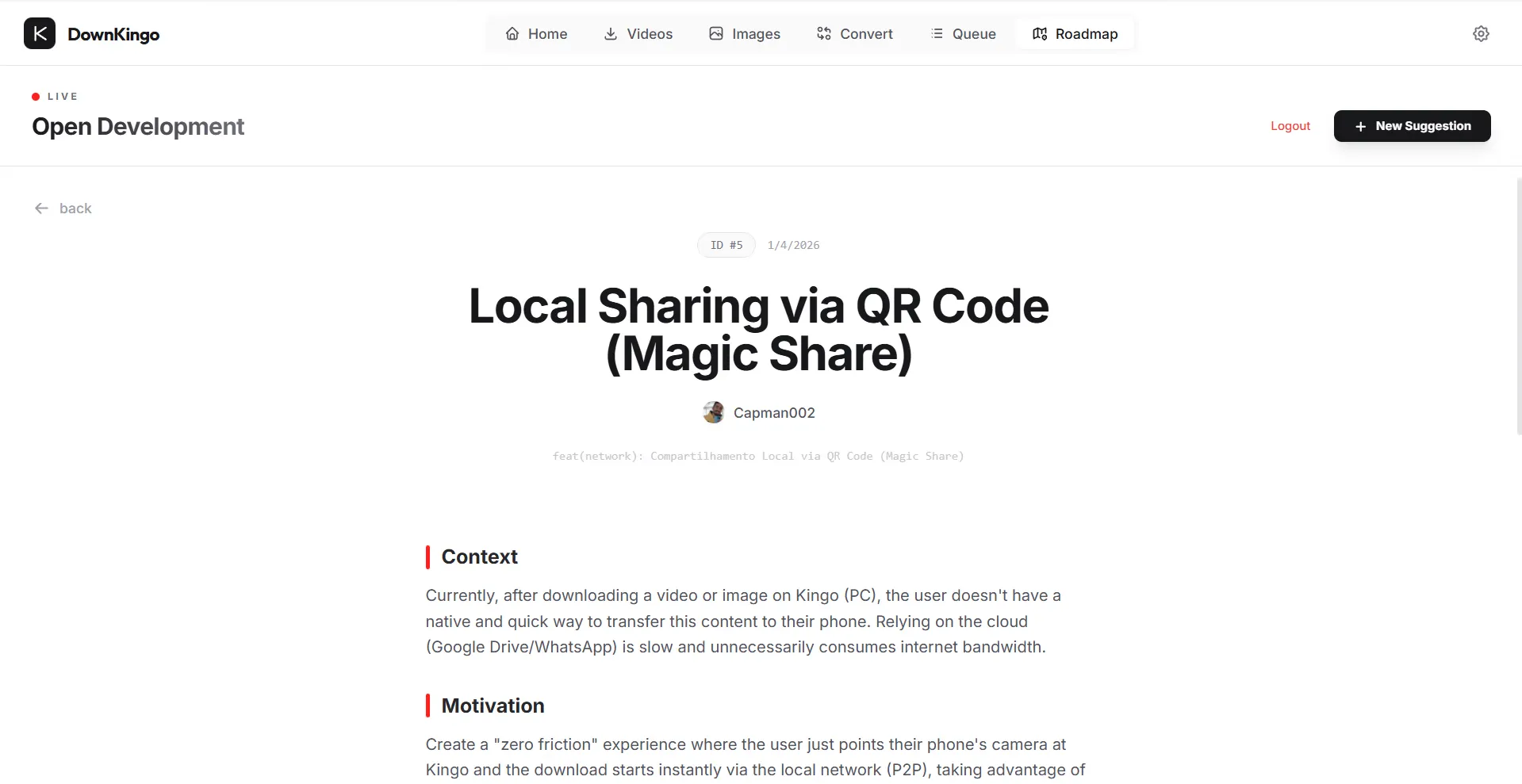
No secrets. No hidden tracking. Just pure open source code. View our live roadmap, vote on features, and check our progress in real-time right from the app.
Open Source
Kanban Board
The Toolkit.
The best software to download and convert media.
Smart Converter
Built-in FFmpeg wrapper to convert video, audio, and images between formats effortlessly.
AI Tools
Remove image backgrounds automatically with AI (U2Net) and process Instagram carousels.
Zero Telemetry
Privacy by design. No tracking servers. Your usage data never leaves your device.
Polyglot
Localized in 5 languages: English, Portuguese, Spanish, French, and German.
Download any video format in any resolution.
Don't settle for 720p. DownKingo is the best app to download videos in real 4K, extracting raw streams for maximum quality.- MP4 (H.264 / AV1)
- MKV (Matroska)
- WebM (VP9)
- MOV (ProRes)
- MP3 (320kbps)
- FLAC (Lossless)
- M4A (AAC)
- WAV (Uncompressed)
- JPG / PNG / WebP
- Instagram Carousels
- AI Background Remover
- Batch Image Conversion
Frequently Asked Questions
What engine does DownKingo use?
yt-dlp binary for extraction, processed via FFmpeg. This ensures day-one compatibility with thousands of sites including YouTube, TikTok and Instagram.