The open-source video downloader landscape has matured considerably in 2026. This guide compares the desktop and command-line tools that come up most often in search — from yt-dlp to full GUI suites — so you can pick the right one for your workflow. Most options here are genuinely open source; the few exceptions are marked clearly, since “powered by yt-dlp” doesn’t automatically mean the whole interface is open.
Editorial disclosure: this article is published by the team that develops DownKingo. We have kept that relationship visible because a useful comparison should make its perspective clear, not pretend to be an unrelated review site.
How We Compared These Downloaders
We compared the products by source-code availability, current desktop support, download workflow, format controls, queues and playlists, editing and conversion tools, local processing, and project maturity. Product descriptions rely on the official sites and repositories linked in each section; when we did not perform a current hands-on test, we do not present the description as one. DownKingo details were checked against version 3.1.2 and its public source code.
yt-dlp (Command-Line Interface)
yt-dlp is the backbone of nearly every open-source video downloader in existence. It is the actively maintained fork of the original youtube-dl project and supports over 1,000 websites. If a site hosts video, there is a good chance yt-dlp can extract it.
The power of yt-dlp is staggering. You can specify format selection with strings like -f "bv*[height<=1080]+ba/b" to grab the best video up to 1080p plus the best audio, define output templates to control file naming, inject SponsorBlock data to skip sponsored segments, extract subtitles, embed metadata, and chain post-processing steps. It also supports cookies for accessing age-gated or subscription content.
The trade-off is obvious: yt-dlp is a terminal application. There is no graphical interface. You need to be comfortable reading documentation, constructing command strings, and troubleshooting from log output. For power users and anyone doing automation or scripting, it is the gold standard. For everyone else, the learning curve is steep.
Platforms: Windows, macOS, Linux (Python-based, runs anywhere Python runs) Best for: Power users, developers, automation scripts, anyone who lives in the terminal
DownKingo (Desktop GUI)
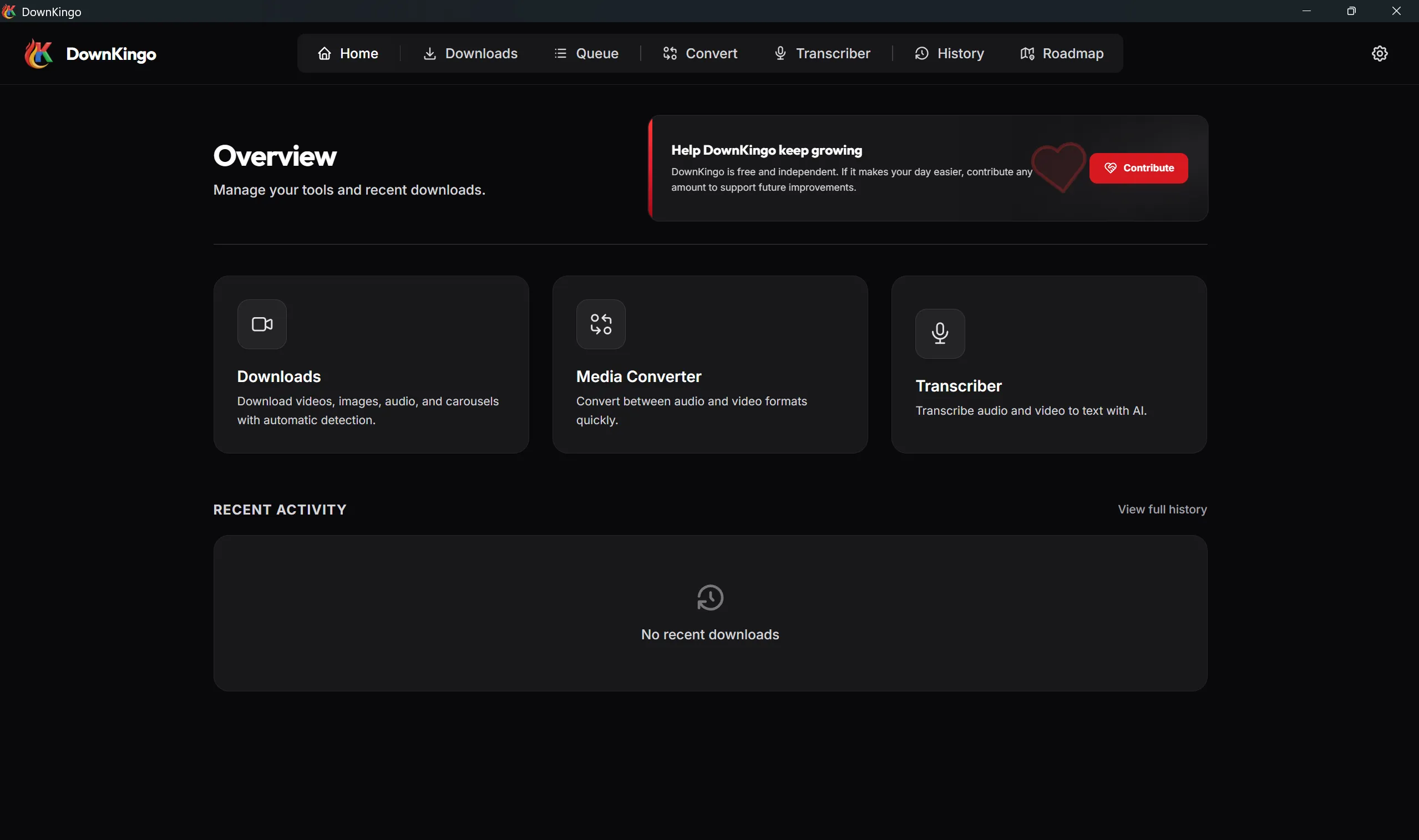
In this comparison, DownKingo is the only evaluated app that combines pre-download clip editing, styled captions, media conversion, and local transcription in one workflow. Version 3.1.2 is the current Windows release of a native desktop suite — not an Electron wrapper — and its full stack is public on GitHub. Paste a link and it identifies compatible video, audio, images, or an Instagram carousel before you choose what to save.
Its strangest feature is also its best one: you edit the video before you download it, not after. Trim with frame-level precision, undo and redo freely, and only then commit to the download — no re-encoding pass in a separate editor afterward, no bloated original kept around just to cut ten seconds out of it. The same screen handles captions: import existing ones or fall back to local Whisper, then style and burn them in with FFmpeg.
DownKingo also bundles optional aria2c acceleration and exposes up to 32 connections for compatible sources. The wider toolkit includes conversion across common video, audio, and image formats; local transcription through Whisper.cpp; a persistent queue; local history; and a public roadmap. The Windows 3.1.2 release is an approximately 83 MB download.
The main drawback is DownKingo’s smaller community compared with widely adopted tools such as yt-dlp. That means fewer community tutorials, discussions, and third-party examples when you need help.
Platforms: Windows 10/11 for the current 3.1.2 release; legacy builds remain available for Linux and macOS Best for: Anyone who wants to trim, caption, convert, and transcribe a video in one app instead of stitching four tools together
VidBee (Desktop GUI)
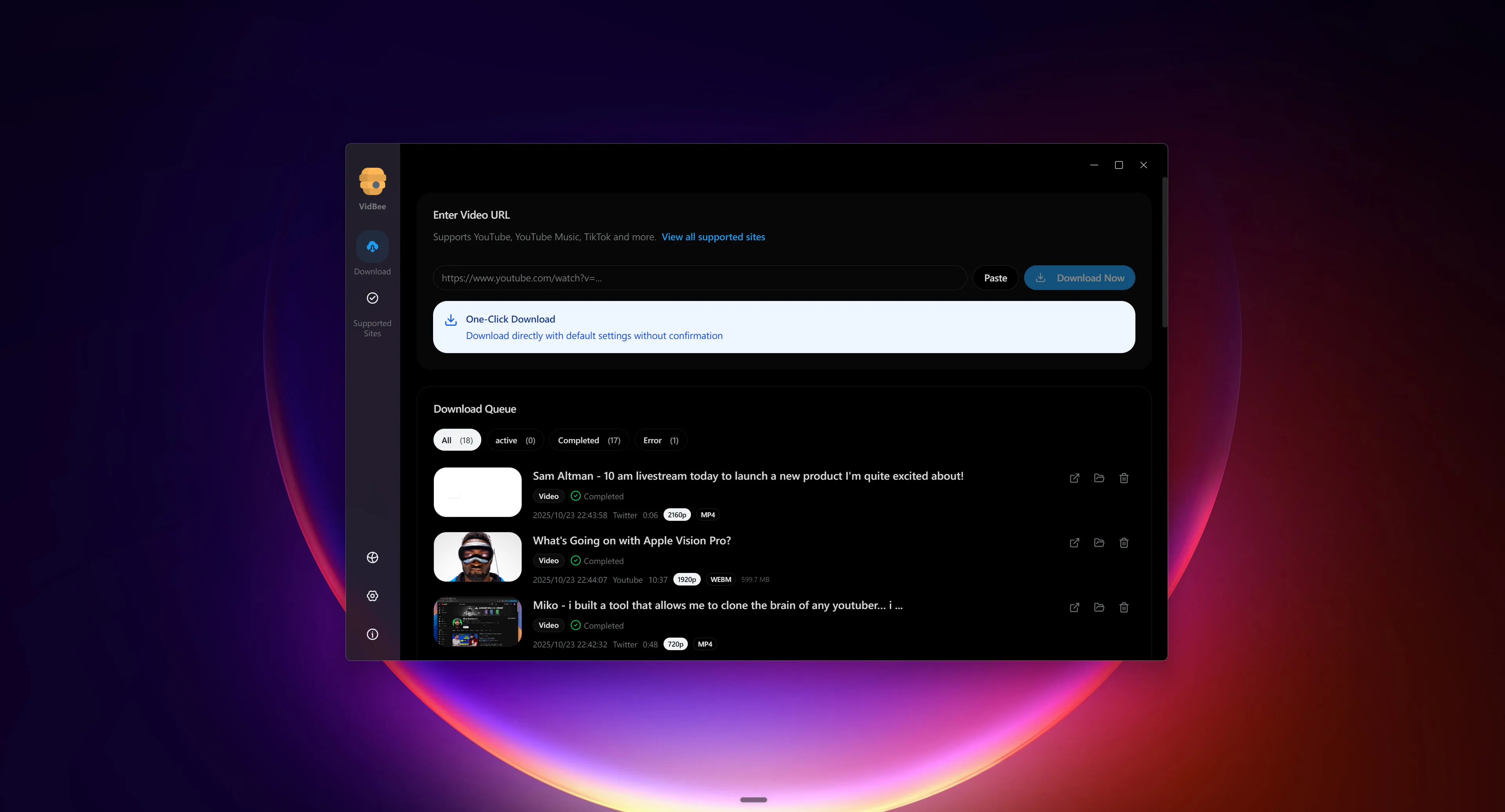
VidBee is an open-source yt-dlp interface built with Electron and distributed for Windows, macOS, and Linux. FFmpeg is bundled with the installer, and the workflow covers individual downloads, queues, playlists, channels, and history without requiring command-line setup. Its source is available on GitHub under the MIT license.
Its standout feature is RSS automation: you can follow feeds and automatically queue new items. That moves VidBee closer to a continuous archiving use case while keeping a more modern, consistent interface across operating systems. The trade-offs are Electron’s higher memory footprint and the shorter track record of a relatively new project.
Platforms: Windows, macOS, Linux Best for: Users who want queues, playlists, and RSS-based monitoring in a cross-platform GUI
Stacher (Desktop GUI, Closed Source)
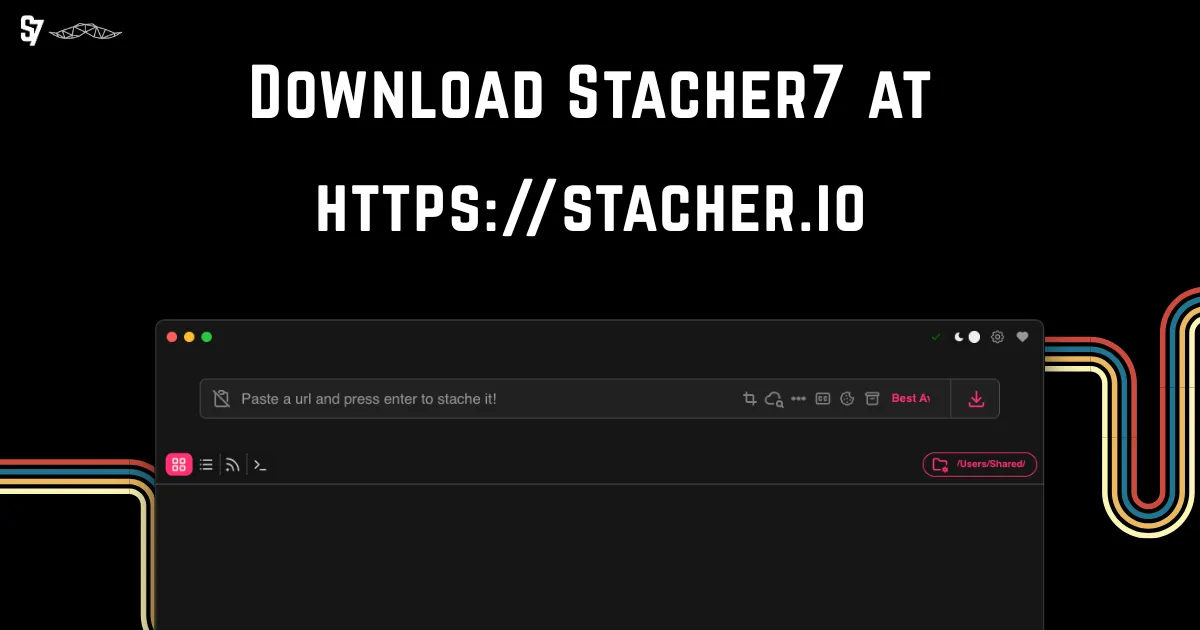
Stacher is another yt-dlp GUI wrapper that takes the cross-platform route via Electron. It presents a straightforward interface: paste a URL, pick the format, download. Stacher handles keeping yt-dlp updated automatically, which is genuinely useful since yt-dlp releases updates frequently to keep up with site changes.
The Electron foundation means Stacher runs on Windows, macOS, and Linux, but it carries the typical Electron overhead – higher memory usage and slower startup compared to native applications. Feature-wise, Stacher does not add much beyond the GUI convenience layer. Post-processing and conversion options are limited, and there are no extra tools like media conversion or transcription.
Although it uses the open-source yt-dlp engine, Stacher does not publish the source code for its interface. It is included here as popular freeware that appears in search results, not as a fully open-source project.
Platforms: Windows, macOS, Linux (Electron-based) Best for: Users who want a no-frills yt-dlp GUI with automatic updates and cross-platform support
JDownloader 2 (Desktop Download Manager)

JDownloader 2 is not a video-only GUI. It is a Java-based open-source download manager that can capture links, organize packages, pause and resume transfers, limit bandwidth, and extract archives automatically. Its broad plugin ecosystem and long history are why it frequently appears in searches for desktop downloaders.
That breadth is both its advantage and its drawback. It is more versatile than a yt-dlp front end for people downloading files from many services, but its interface is busier and its workflow less direct if all you want is to paste a video URL and choose a quality. Use the official installer and read the options shown during setup.
Platforms: Windows, macOS, Linux Best for: Power users who want a general manager for videos, files, and large link queues
ClipGrab (Desktop Downloader and Converter)
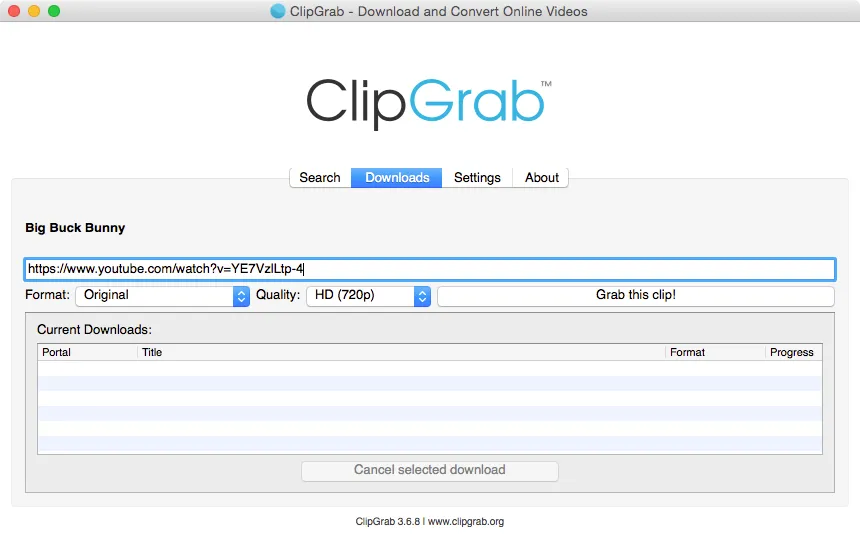
ClipGrab is a long-running GPLv3 project available for Windows, macOS, and Linux. Its approach is more direct than newer yt-dlp front ends: download from sites such as YouTube, Vimeo, and Dailymotion, then convert the result to formats including MPEG4, MP3, OGG, and WMV in the same workflow.
The simple interface and integrated converter remain useful, but its site coverage is narrower than the yt-dlp ecosystem. On Windows, review every screen in the official installer and decline optional offers if they appear. Users who prioritize maximum transparency can also obtain the Linux build and source code directly from the official site.
Platforms: Windows, macOS, Linux Best for: Users who want a traditional downloader with built-in audio and video conversion
Tartube (Desktop GUI)
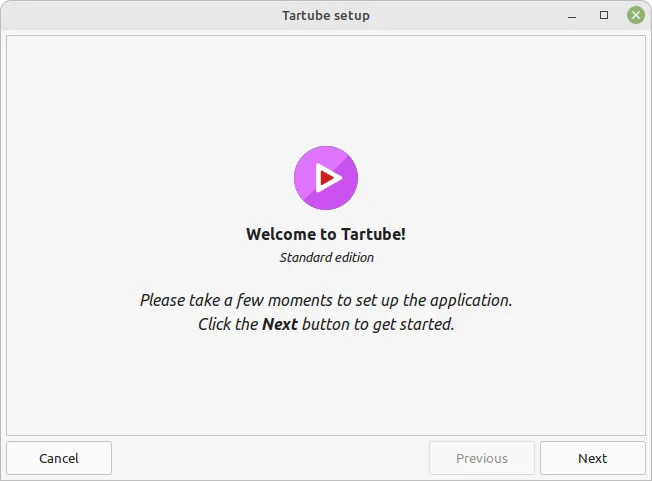
Tartube is a Python/GTK front-end for yt-dlp that focuses on video library management rather than one-off downloads. Its primary strength is organization: you can create channel subscriptions, schedule automatic checks for new uploads, organize videos into custom folders, and get alerts for livestreams.
The interface shows its ambition and its age simultaneously. There are many panels, tabs, and configuration options. Setting up channel monitoring, download scheduling, and folder hierarchies gives you fine-grained control, but the learning curve is real. The GTK-based UI feels functional rather than polished, and performance can slow down when managing very large queues.
Tartube inherits yt-dlp’s full site support since it calls yt-dlp directly. It is cross-platform, running on Windows, macOS, and Linux, though it feels most at home on Linux where GTK integration is native.
Platforms: Windows, macOS, Linux Best for: Users who need to monitor channels for new uploads and manage an ongoing video archive over time
Open Video Downloader (Desktop GUI)
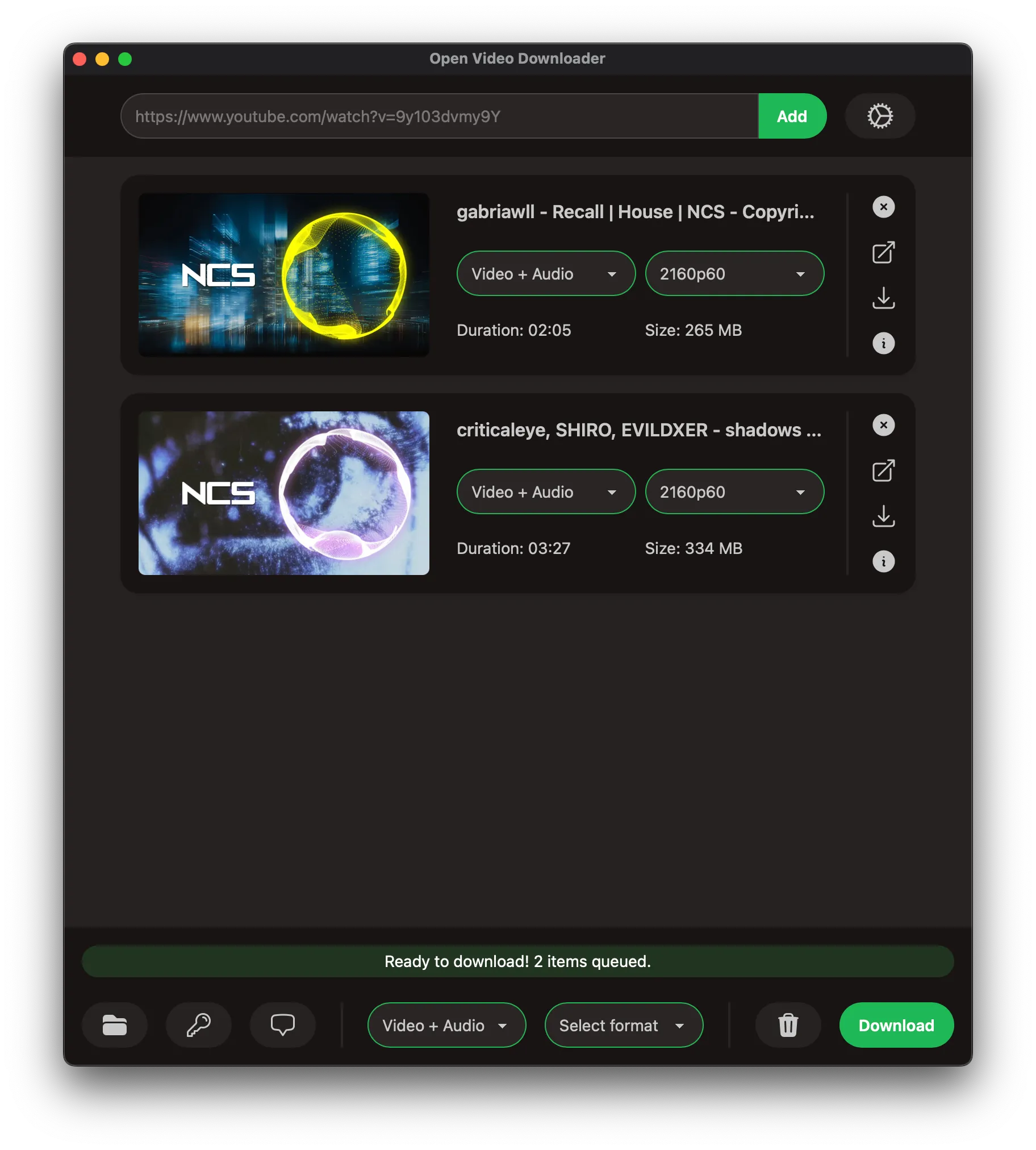
Open Video Downloader, also known by its former youtube-dl-gui name, is an open-source yt-dlp interface built with Rust, Tauri, and Vue. It provides Windows, macOS, and Linux builds and can download video, audio, subtitles, and metadata while letting you choose resolution, frame rate, container, and filename templates.
It also supports playlists, cookie-based authentication, multi-download queues, and automatic updates for both the app and yt-dlp. It is a balanced choice for users who want more format control than a minimalist GUI without the library-management complexity of Tartube.
Platforms: Windows, macOS, Linux Best for: Users looking for a balanced open-source GUI with playlists, queues, and detailed output control
Parabolic (Desktop GUI)
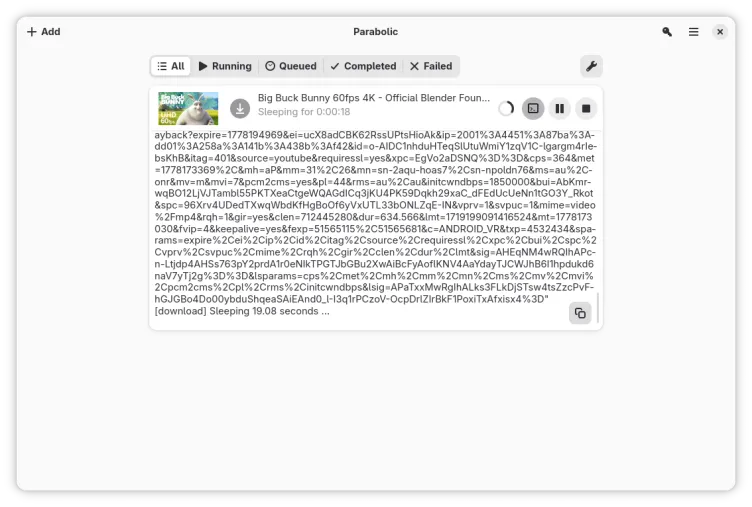
Parabolic (formerly known as Video Downloader) is a clean, minimal front-end for yt-dlp built with GTK4 and libadwaita. It follows GNOME’s design language closely, which makes it feel completely native on the GNOME desktop.
The workflow is deliberately simple: paste a URL, pick your format and quality, download. That is it. Parabolic does not try to be a video library manager or a conversion suite. It does one thing and does it with a polished, distraction-free interface. It is distributed primarily as a Flatpak, making installation on most Linux distributions straightforward.
The flip side of that minimalism is limited functionality. Conversion options are basic, there is no batch processing beyond simple queues, and advanced yt-dlp features are not exposed. Parabolic is also Linux-focused – there are no official Windows or macOS builds.
Platforms: Linux (Flatpak, also available as Snap and AUR) Best for: Linux users on GNOME who want a native-feeling, simple download tool
Arroxy (Desktop GUI)
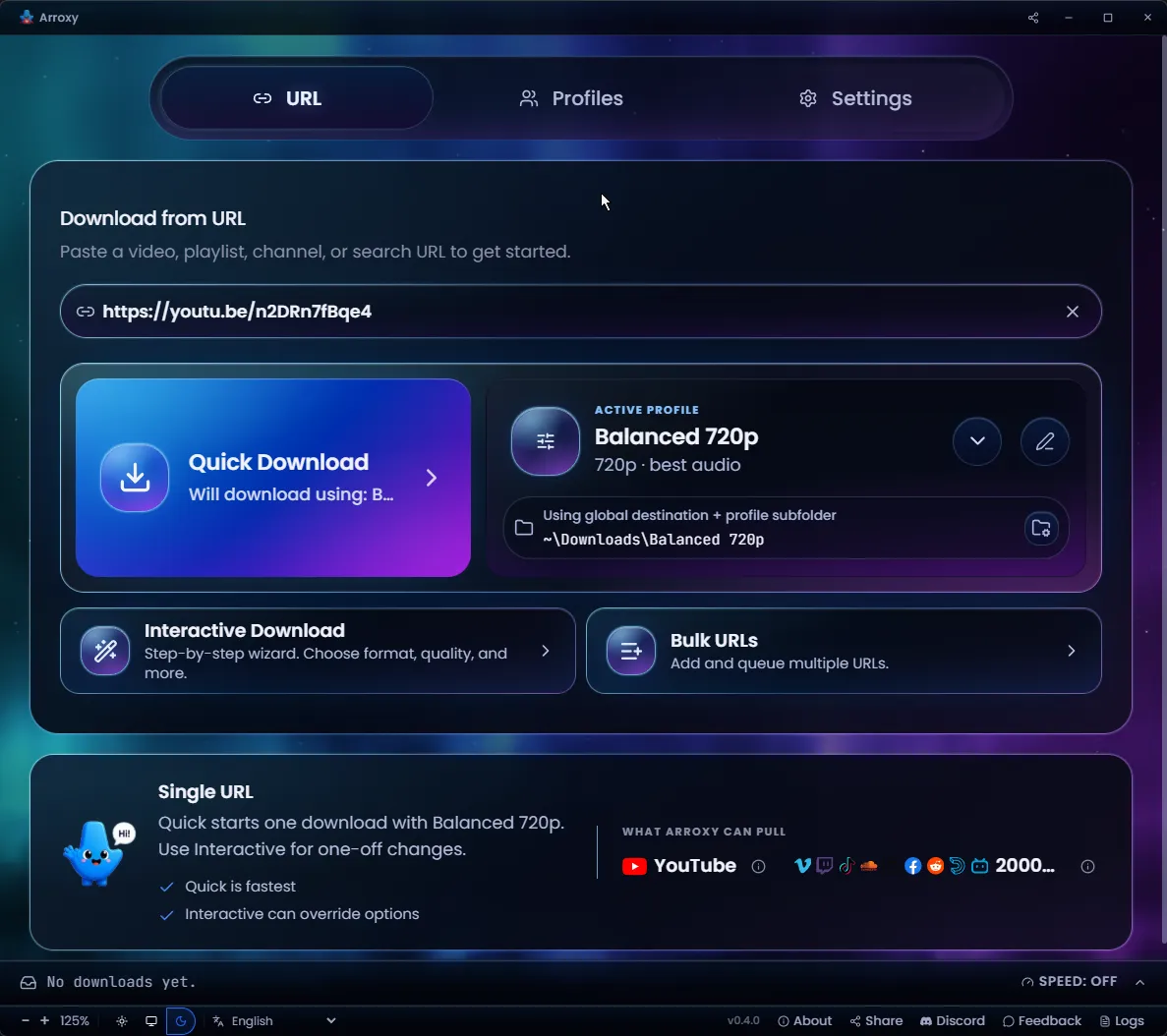
Arroxy is a newer open-source yt-dlp GUI for Windows, macOS, and Linux. It includes reusable profiles, parallel queues, playlists, channels, subtitles, SponsorBlock, clipboard monitoring, and audio-track selection. The project uses the MIT license and publishes its source and installers on GitHub.
It is a promising alternative for people who like detailed configuration, but its binaries may still trigger unknown-publisher warnings on Windows and macOS because they are unsigned. Download only from the official releases page and, because the project is newer, review its release and issue history before making it your primary tool.
Platforms: Windows, macOS, Linux Best for: Users who want advanced profiles, queues, and many yt-dlp options exposed in the interface
ROSI (Desktop GUI)
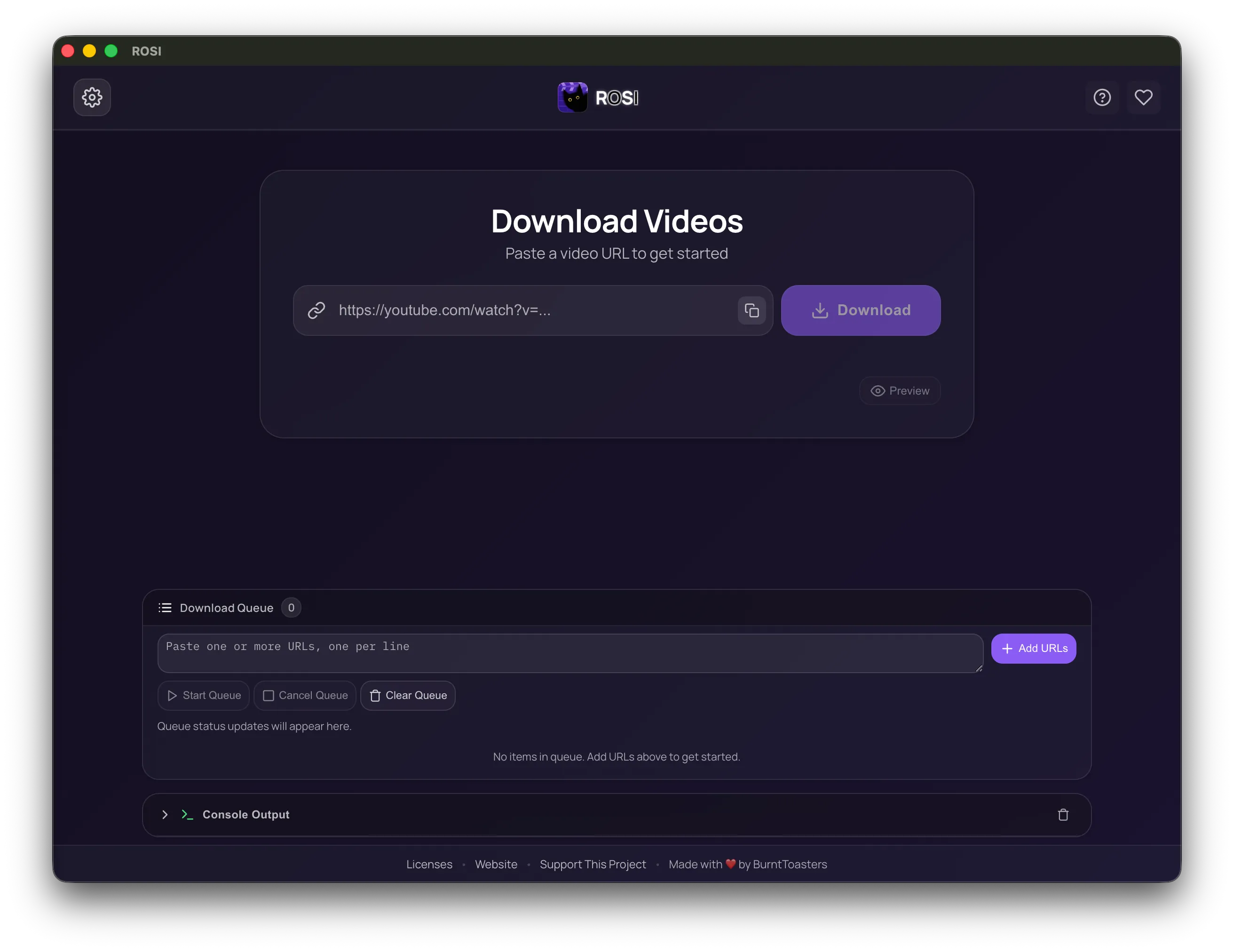
ROSI is another recent open-source desktop downloader built on yt-dlp. It provides Windows, macOS, and Linux builds, uses the MPL-2.0 license, and focuses on a clean interface without ads or telemetry. Its site also offers a parallel LTS line for users who prefer a longer-maintained version.
It handles video and audio downloads from more than a thousand sites without trying to become a full media suite. Since it has a shorter public track record than yt-dlp, Tartube, or ClipGrab, check the releases and signatures provided by the project before installing.
Platforms: Windows, macOS, Linux Best for: Users looking for a recent, simple GUI with verifiable builds for all three operating systems
OmniGet (Desktop Download Suite)
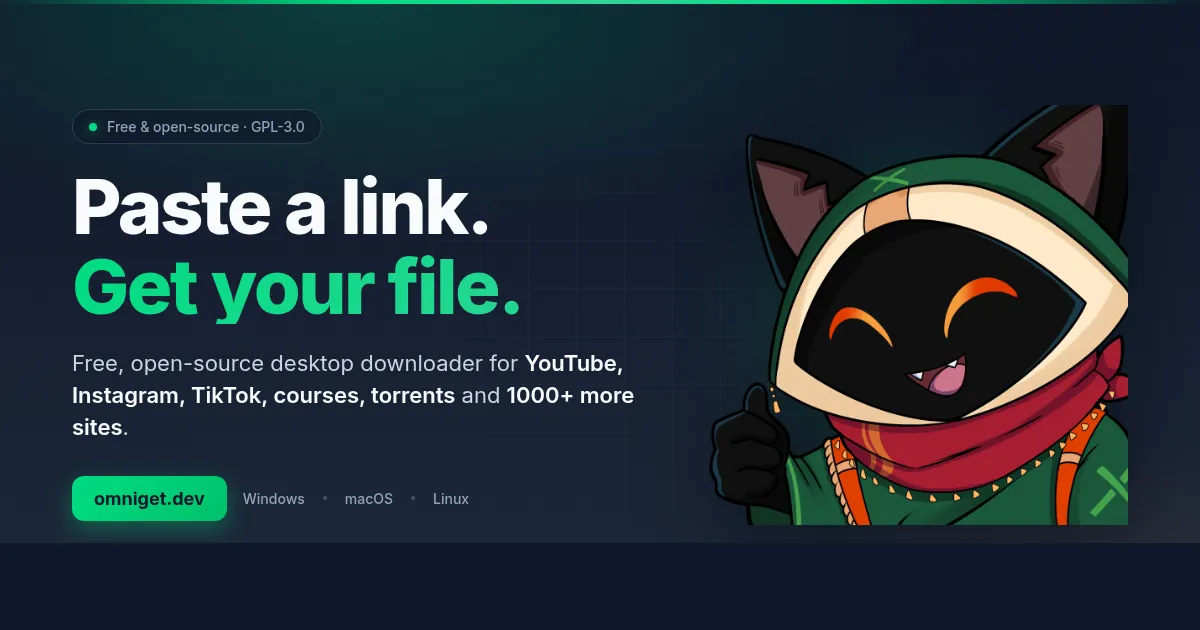
OmniGet appears in search as a broader open-source alternative. In addition to using yt-dlp and FFmpeg for video and audio, it aims to handle courses, books, torrents, and files, with a crash-safe queue, global shortcut, browser extension, conversion, and subtitle tools. The project is GPLv3 and offers Windows, macOS, and Linux versions.
That long feature list may appeal to users who want several download types in one program, but it also makes the product less focused than DownKingo, Parabolic, or Open Video Downloader. It is a new project, so review its official releases and source before trusting it with important libraries.
Platforms: Windows, macOS, Linux Best for: Users who want a broad suite for video and other file types, not only a media downloader
4K Video Downloader (Proprietary – For Context)
4K Video Downloader is widely recommended in “best downloader” lists, so it is worth addressing. It is not open source. The free tier limits download counts and features, and the full version requires a paid license. It is a capable tool with a clean interface, but it operates on a fundamentally different model – closed source, usage restrictions, and telemetry. It is mentioned here only because readers searching for video downloaders will inevitably encounter it and should understand the distinction.
Feature Comparison
| Tool | Interface | Platforms | Main strength | Source model |
|---|---|---|---|---|
| yt-dlp | Command line | Windows, macOS, Linux | Total control and automation | Open source |
| DownKingo | Native GUI | Windows 10/11 current; Linux and macOS legacy | Pre-download editing, captions, local transcription, conversion, and optional aria2c acceleration | Open source |
| VidBee | Electron GUI | Windows, macOS, Linux | RSS, queues, playlists, and history | Open source (MIT) |
| Stacher | Electron GUI | Windows, macOS, Linux | Simple yt-dlp interface | Freeware, closed interface |
| JDownloader 2 | Java GUI | Windows, macOS, Linux | General download manager and plugins | Open source |
| ClipGrab | Desktop GUI | Windows, macOS, Linux | Integrated converter and simple workflow | Open source (GPLv3) |
| Tartube | GTK GUI | Windows, macOS, Linux | Channel monitoring and library management | Open source |
| Open Video Downloader | Tauri GUI | Windows, macOS, Linux | Formats, playlists, and queues | Open source (AGPL-3.0) |
| Parabolic | GTK4 GUI | Linux | Simplicity and GNOME integration | Open source |
| Arroxy | Desktop GUI | Windows, macOS, Linux | Profiles, queues, and advanced options | Open source (MIT) |
| ROSI | Desktop GUI | Windows, macOS, Linux | Simple interface and LTS line | Open source (MPL-2.0) |
| OmniGet | Desktop suite | Windows, macOS, Linux | Videos, courses, torrents, and other files | Open source (GPLv3) |
| 4K Video Downloader | Desktop GUI | Windows, macOS, Linux | Polished commercial product | Proprietary |
Which One Should You Use
The honest answer: it depends on your workflow.
yt-dlp is the most powerful tool on this list, full stop. If you are comfortable in the terminal and want total control, nothing else comes close. It is also the engine that powers most of the GUI tools listed here.
DownKingo is the strongest fit here when the job includes editing a clip, preparing captions, converting the result, or transcribing it locally instead of only downloading a file. Its persistent queue, local history, and optional aria2c mode support that workflow. Its main trade-off is the smaller user community, with fewer third-party tutorials and discussions than widely adopted tools.
VidBee is especially interesting for queues, playlists, and RSS automation, with a more modern and consistent interface than most Electron alternatives.
Stacher is a reasonable middle ground if you want a cross-platform GUI and do not need conversion or extra features.
JDownloader 2 makes more sense if you also download files outside the video ecosystem — its plugin ecosystem and long track record are hard to match.
ClipGrab remains useful when integrated conversion matters more than the broadest possible site coverage.
Tartube fills a niche that the others do not: ongoing channel monitoring and video library management. If your workflow involves tracking dozens of channels and automatically archiving new uploads, Tartube was designed for exactly that.
Open Video Downloader offers a strong balance between simplicity and output control.
Parabolic is the right choice for Linux users who want something lightweight, native-feeling, and simple. It does less, but it does it elegantly.
Arroxy, ROSI, and OmniGet expand the desktop alternatives surfaced in search, but have shorter public track records; review their releases, issues, and signatures before adopting them for important workflows.
If open source is mandatory, exclude Stacher and 4K Video Downloader. Whichever option you choose, download it from the official site or repository, keep its extraction engine updated, and use it only for content you are authorized to save.
For detailed guides on specific platforms, check out how to download YouTube videos in 4K, downloading TikTok without watermark, or transcribing audio and video with AI.
Ready to try DownKingo? Download it for free – no account, no ads, no tracking. Source code at github.com/down-kingo/downkingo.